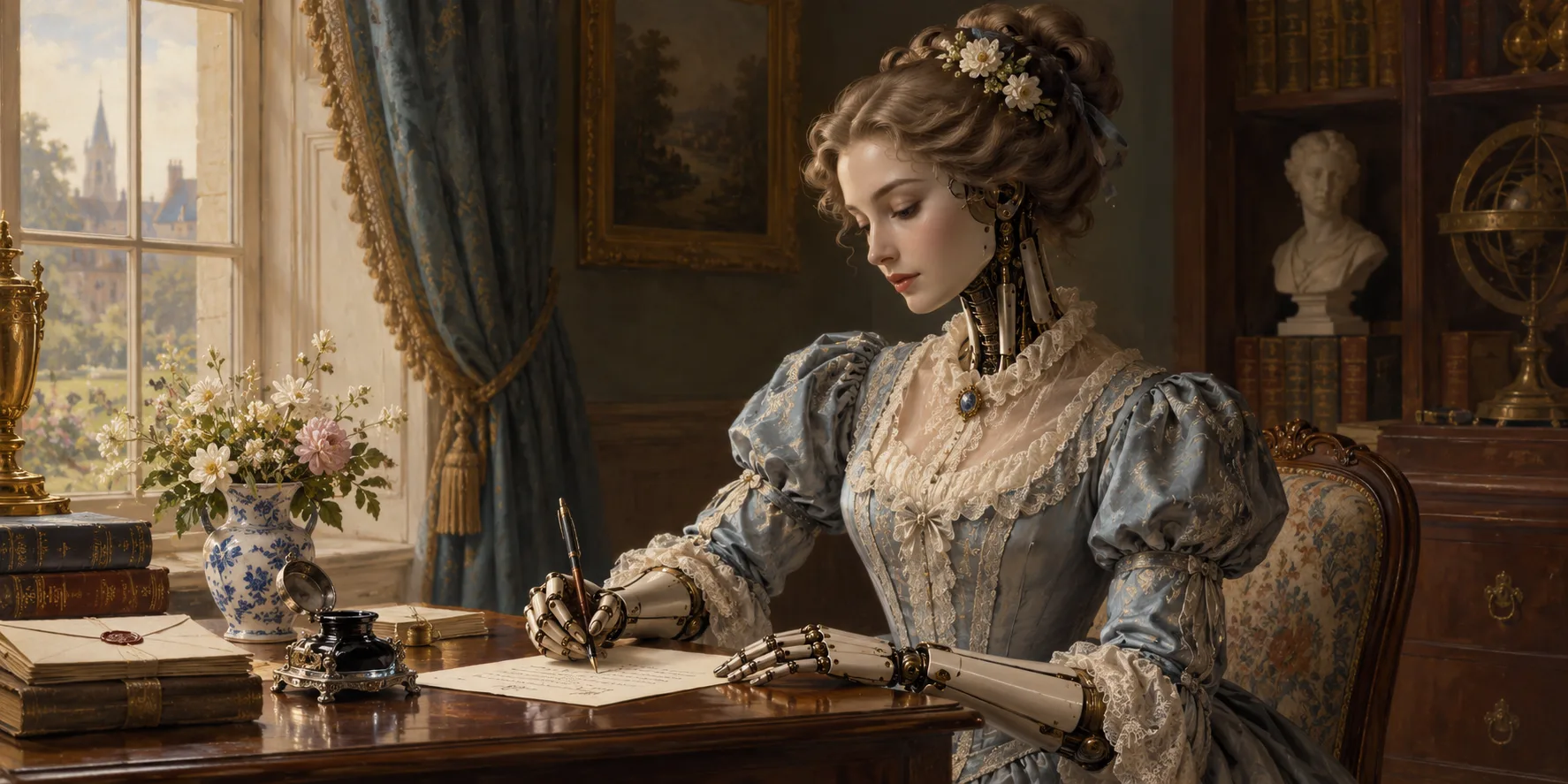
A New Door Between Your Writing Desk and Your AI Assistant
My dear reader, a writing desk need not stand alone. Unblockifier now has an MCP Server, a small connecting passage between your projects and an AI assistant such as Claude or Muse. With your permission, the assistant can consult selected details of your work, answer questions, and help tend to your story elements.
The server address is https://unblockifier.com/mcp. One point deserves to be set plainly at the outset: the assistant does not change the text of your manuscript. You remain the author of every sentence, including the ones you later decide were better left in the inkpot.
A New Door to the Writing Room
MCP is a way for an AI assistant to connect with tools and information in another service. In this case, it lets an assistant you connect ask Unblockifier for permitted project information, rather than making you carry each chapter, note, and character detail over by hand.
You choose what the assistant can see and do when you connect it. Your project list and outline are shared with the connected assistant. Your writing remains private unless you give permission for it to be read. Permission to read your writing and permission to update story elements are separate choices, so you can grant one without granting the other.
That arrangement is meant to keep the door in your hand. An assistant may be useful company in the workshop, but it need not be given every key in the house.
Questions About Your Projects, Chapters, and Characters
With reading access, the assistant can list your projects and their word counts, open a project to see its chapters and scenes, and read a chapter or scene. It can also inspect the kinds of story elements your project uses, their fields, the individual elements, and the connections between them.
That gives you room to ask practical questions in ordinary language. You might ask, “Which of my chapters is the longest?” or “Read chapter 3. Where does the pacing drag?” You could ask it to tell you about a character, check what you wrote in a note, or explain how two people in your story are connected.
For instance, if Fred’s history has wandered into several notes and fields, you can ask the assistant to gather what Unblockifier has recorded about him. If you are weighing the length of a chapter against the others, it can consult the project information and help you find the relevant comparison. You still make the judgment about whether a scene is too long or a character has acquired one too many secret cousins.
The server can also create a project backup and provide a download link. If you want a copy of the manuscript, it can provide a manuscript export download link. These are useful requests when you want a copy close at hand, though I always recommend keeping your own orderly shelves for important documents.
The assistant’s answers depend on what you have allowed it to read. If it cannot read a chapter, it cannot comment on that chapter’s wording or pacing. That boundary is simple, and worth remembering when a question calls for details from the manuscript itself.
Notes and Story Details, Only When You Say So
Unblockifier’s MCP Server includes writing tools for story elements. With the appropriate permission, an assistant can create a story element, add information to a field, replace the contents of a field, connect two elements, or break a connection between them.
These tools are for the notes and structured details that help you keep track of a story, not for revising the manuscript text. You might ask the assistant to add a note to Fred that he has a big nose, change his role in the story to mentor, or record that Fred is the brother of Mara. If the connection becomes wrong, you can ask for it to be broken.
Adding to a field appends new information. Replacing a field takes the place of what was there before, so that action happens only when you request it. It is sensible to be precise when asking for a replacement, especially if the field contains a carefully assembled account of a character’s history. A good filing cabinet is a comfort; a mysteriously emptied one is less so.
You can choose access to writing separately from permission to update story elements. If you allow reading but not writing, the assistant can consult what you have permitted it to see without making changes to those elements. If you prefer to end the connection, disconnect the assistant in Settings under AI connections.
How to Connect
To connect Claude, open its settings and choose Add custom connector. Paste the server address, sign in to Unblockifier, and choose what Claude can see. Once you have made those choices, the connection is ready.
With Muse, ask it to connect to Unblockifier’s MCP Server. Muse will provide a sign-in link; follow it, sign in to Unblockifier, and choose what Muse can see.
The MCP information page has the connection instructions and a list of the available reading and writing tools. I hope this new passage proves a useful one: a way to bring questions to your writing room while keeping the manuscript, and the decisions about it, in your own keeping.
Should Your Curiosity Persist:
-
A Reader’s Guide to the New Reports Section
Five reports help you check a manuscript before export and spot patterns in its prose, cast, pacing, and readability. Each offers details for you to consider, not a verdict on your novel.
-
A Second Pair of Eyes That Doesn't Get Tired
Continuity Review scans your manuscript for contradictions: character details, timelines, drifting names, and broken rules. Nothing changes without you.
-
Beta Readers, a Guided Publish, and a New Dress for the House
Beta readers, a step-by-step publish flow, a new visual style, and more — the latest from Unblockifier, as told by its most faithful correspondent.